Count the minutes from now to the offer's "deliver by" time. Then multiply the pay: 15 min → ×4 · 20 min → ×3 · 30 min → ×2
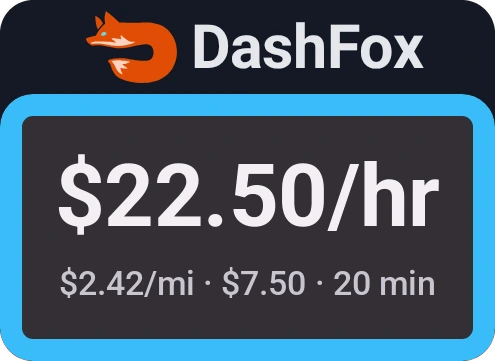
A $7.50 offer due in 20 minutes pays $7.50 × 3 = $22.50 an hour.
Why "per hour" beats "is it a good payout?"
An $8 offer looks the same whether it takes 15 minutes or 45. It isn't the same at all.
$8 in 15 minutes
Pays $32.00 an hour. You'll fit a lot of those into a shift.
$8 in 45 minutes
Pays $10.67 an hour. Same eight bucks, three times the time.
Your time is the one thing you can't get more of on a shift. So the question isn't "is $8 good?" It's "is $8 good for this many minutes?" (These are gross rates, before gas and wear on your car. More on that below.)
First, find the minutes
DoorDash's offer screen shows the guaranteed pay, the distance and a "deliver by" time. [1] That time is your stopwatch.
That's when DoorDash expects the order to reach the customer, so it covers the whole job: driving to the store, picking up and dropping off. It isn't perfect (we'll get to that), but it's the best number you have in the few seconds you get to decide.
Trick 1: the multiplier
An hour has 60 minutes. A 20-minute order fits into an hour three times, so its hourly rate is three times its pay. That's the whole trick. Memorize a few multipliers and you never have to divide.
Minutes to multiplier (screenshot this)
- 10 min×6
- 12 min×5
- 15 min×4
- 20 min×3
- 24 min×2.5
- 30 min×2
- 40 min×1.5
- 60 min×1
Pay × multiplier = what the offer pays per hour. Each one is just 60 ÷ the minutes.
It's 6:10 PM. A $7.50 offer pops up: 3.1 miles, deliver by 6:30. That's 20 minutes, so you multiply by 3.
Trick 2: bracket the odd times
Real offers rarely land on a round number. When the minutes fall between two rows of the cheat sheet, work out both. The answer sits in between.
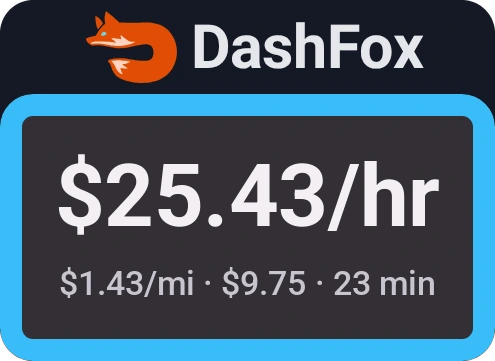
A $9.75 offer for 6.8 miles is due in 23 minutes. That's between 20 minutes (×3) and 30 minutes (×2).
So it pays somewhere between $19.50 and $29.25 an hour, and since 23 is close to 20, it's near the top. Want it tighter? 24 minutes is on the cheat sheet: $9.75 × 2.5 is about $24.40. Call it "around $25 an hour" and decide.
Here's the trick on a real offer from a dash we screen-recorded. It's 7:01 PM. A $5.10 Smoothie King order pops up: 3.0 miles, deliver by 7:18. That's 17 minutes, between the 15-minute row (×4) and the 20-minute row (×3).
DashFox showed $18.21 an hour and $1.70 a mile. The head math landed within a dollar of it.
Trick 3: flip it into cents per minute
This one turns every offer into a quick yes or no. Before your shift, pick the hourly rate you want to average. Divide it by 60 and you get what each minute needs to pay you.
| Your target | Per minute | 20-min offer | 30-min offer |
|---|---|---|---|
| $18/hr | 30¢ | $6.00 | $9.00 |
| $21/hr | 35¢ | $7.00 | $10.50 |
| $24/hr | 40¢ | $8.00 | $12.00 |
| $30/hr | 50¢ | $10.00 | $15.00 |
Now you only need one multiplication: minutes × your cents.
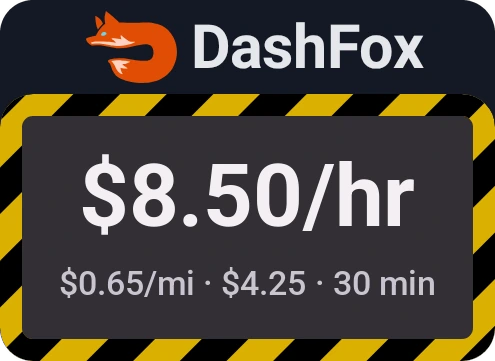
You want $24 an hour, so every minute needs to pay 40¢. A $4.25 offer comes in, 6.5 miles, due in 30 minutes. At 40¢ a minute, 30 minutes should pay $12.
It isn't close. That offer works out to $8.50 an hour.
Try it on an offer
Type in any offer: the pay, the minutes to its deliver-by time, the miles and the hourly rate you're aiming for. The fox will tell you if it clears your bar. (It starts on the $9.75 offer from trick 2.)
 Offer check

Gross pay before gas, wear and taxes. Everything stays on this page.
Want it full-screen? Open the DoorDash offer calculator.
Don't forget the miles
Per hour tells you what an offer pays for your time. Per mile tells you what it pays for your car. The check is one division: pay ÷ miles. The $7.50 offer above, at 3.1 miles, pays $2.42 a mile.
An offer can look fine per hour and still burn a lot of gas, so glance at both. We wrote a whole guide on that: DoorDash dollars per mile: is the $2 rule enough?
What the quick math can't see
These tricks give you a fast, honest estimate. They can't see everything:
- Slow restaurants. The deliver-by time is DoorDash's estimate. A 15-minute wait for the food stretches the job, and your real hourly drops with it.
- The drive back. If the drop-off leaves you far from the busy part of town, the trip back is unpaid time and miles.
- Waiting between offers. An offer's hourly rate counts the job, not the minutes you sit waiting for the next ping. Your shift average will come in lower.
- Your costs. These are gross numbers. Gas, wear on the car and taxes come out of them.
- Extra tips. On the bright side, DoorDash says the guaranteed pay on the offer includes base pay and tips, and your total can end up higher. [1]

Safety first: if an offer pops up while you're driving, don't do math on your phone. Pull over somewhere safe, or let that one go.
Or skip the math entirely
If you'd rather not multiply at every ping, that's exactly what we built DashFox for. DashFox shows $/hour and $/mile the second an offer pops up, so you can take it or skip it before the timer runs out.
Two offers from this article as DashFox shows them. Example data.
Quick questions
How do I calculate DoorDash pay per hour for an offer?
Divide the pay by the minutes, then multiply by 60. Or use the shortcut: multiply the pay by 60 ÷ minutes (×3 for 20 minutes, ×2 for 30). A $7.50 offer for 20 minutes is $22.50 an hour.
Where do I find the minutes on a DoorDash offer?
Use the "deliver by" time on the offer screen and subtract the time now. [1] That's when DoorDash expects the order delivered, so it covers the whole job.
Does DoorDash show pay per hour on offers?
The offer screen shows the guaranteed pay, the distance and the deliver-by time [1]; turning those into an hourly rate is up to you. Earn by Time is a different mode: DoorDash pays a guaranteed rate for your active time on each delivery instead. [2]
What's a good hourly rate for a DoorDash offer?
There isn't one right number. It depends on your market, your car's costs and how busy it is. A practical approach: pick a floor that covers your costs and is worth your time, use the cents-per-minute trick against it, and raise the bar when it's busy.
Keep reading
 Your toolkit
Apps for DoorDash drivers
An offer bubble, mileage log and earnings dashboard solve different problems.
 Pay modes
Earn by Time vs Earn per Offer
An offer projection and an active-time base rate aren't the same measure.
 Getting started
Your first DoorDash delivery
From reading the offer to checking the pickup and completing the right handoff or photo flow.
 Offer math
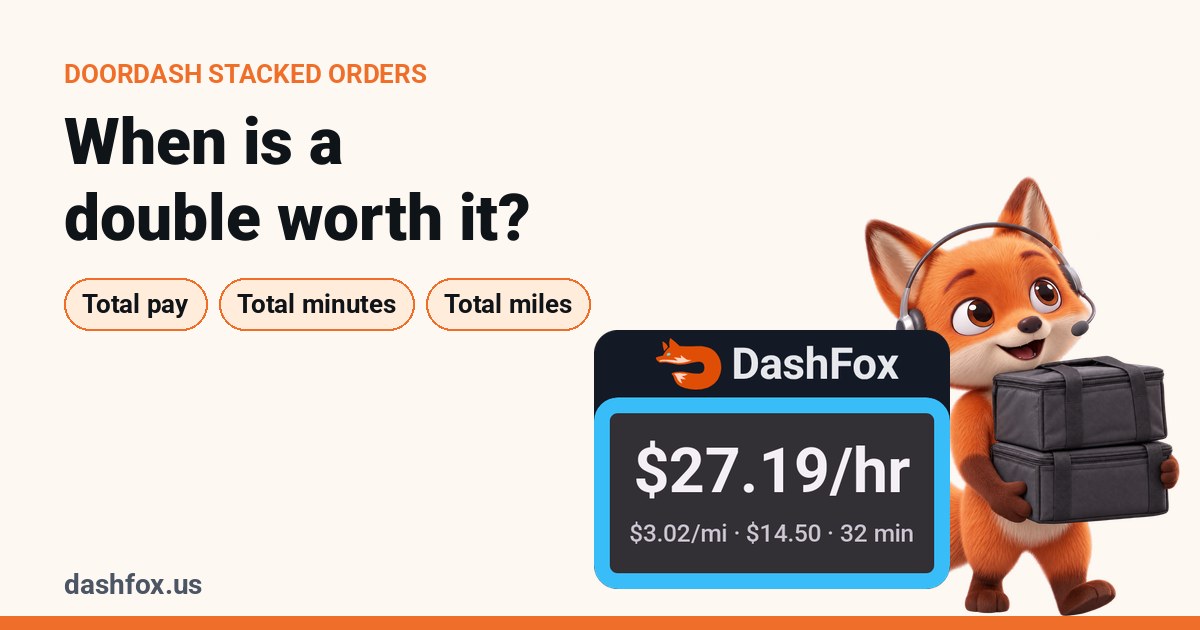
DoorDash stacked orders: when is a double worth it?
Use total pay, minutes and miles for the whole batch—not one attractive order inside it.
 From our own dash
Why your DoorDash $/hour jumps around mid-shift
Offer rates, unfinished running averages and completed-shift earnings answer different questions.
 On the job
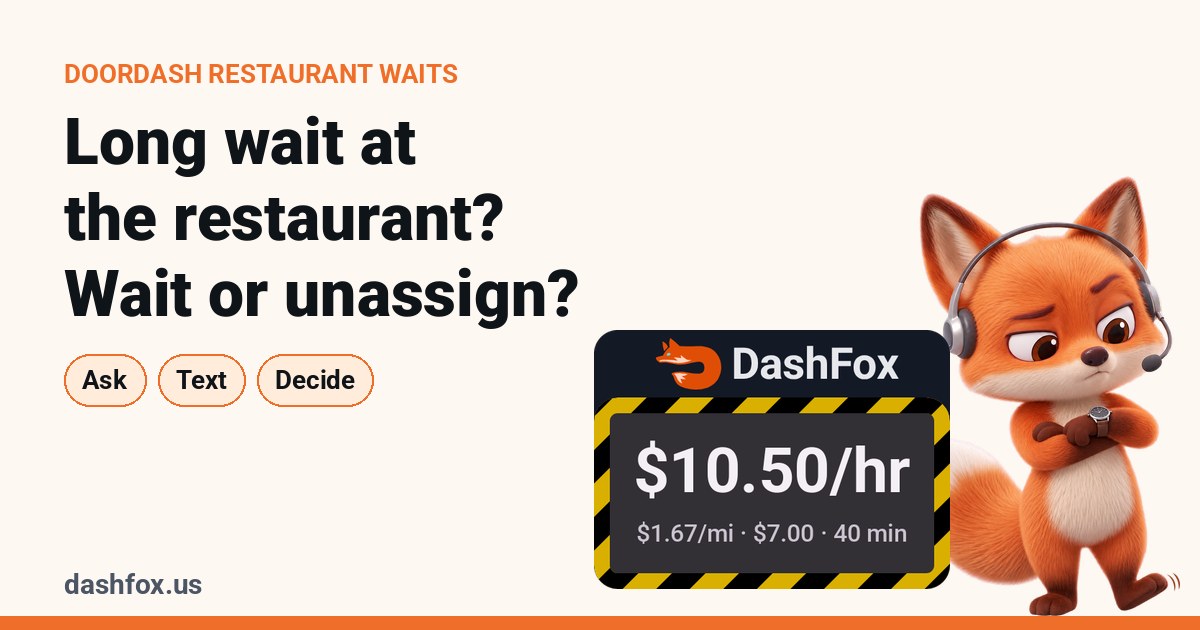
Long wait at the restaurant? When to wait and when to unassign
What a wait does to your hourly, and what unassigning really costs.
 Offer math
DoorDash dollars per mile: is the $2 rule enough?
Same $2 a mile, $30 an hour vs $15 an hour. Why your mileage rule needs a clock.
 On the job
DoorDash alcohol delivery: what actually happens, step by step
The ID scan, the checks, and what to do when you can't hand it over.
Sources
- DoorDash Help: Redesigned Accept Modal. The offer screen shows guaranteed pay (base pay plus customer tips; total earnings may be higher) and a "deliver by" time. Accessed October 25, 2026.
- Dasher Central: Dasher pay. Earn per Offer shows the guaranteed minimum before you accept; Earn by Time pays a guaranteed rate for active time. Accessed October 25, 2026.
Every offer in this article is a made-up example except the "From our own dash" offer, which is real: pay, miles, times and the DashFox figures come from a dash we screen-recorded. Figures are rounded to the cent. None of it is typical earnings or a promise of what you'll make.