 DashFox
You'll see a "Contains alcohol" banner before you accept. You must be 21+ and show your ID at the store. At the door you meet the person, scan their ID in the app, check it matches them and that they aren't intoxicated, then hand it over. [1] [2]
Can't hand it over? Never leave it at the door. The app sends you back to the store, and DoorDash says you're paid as if it was delivered, plus extra for the return. [1]
Before you accept
Alcohol orders are marked before you accept, so there are no surprises. [2] To take one you need to be at least 21 with a valid government ID. In some states you'll also need to complete a short compliance module in the app (under Account), hold a delivery permit from DoorDash, or pass an extra background check. DoorDash tells you if your state needs any of these. [1]
Alcohol delivery is optional. You can turn it off in your Dasher preferences without losing other orders (if your area has no opt-out, DoorDash support can help), and you can decline an alcohol offer or cancel it before pickup. [1]
At the store
Have your own ID ready: the store will ask for it. Once it's in the car, the alcohol can't ride in the passenger area or anywhere within the driver's reach, so the trunk is the simple answer. And it goes without saying: no drinking before or during a dash. [1]
At the door, step by step
Meet them in person
Alcohol can never be left at the door, even if the customer asks. [1]
Look at the ID yourself
Does the photo match the person in front of you? Check the date of birth and the expiration date, and look for signs it's been tampered with. The ID has to match the person receiving the order, not the name on the order. [1]
Check they aren't intoxicated
It's illegal to deliver to someone who appears intoxicated. Signs DoorDash lists: glassy or bloodshot eyes, the smell of alcohol, being unsteady, fumbling or slurring. Some of these can come from a disability, so use your judgment. [1]
Get a signature if the app asks
Some states require one; the app prompts you when yours does. [2]
Hand it over and tap Complete delivery
Only after every step above. That's it. [2]
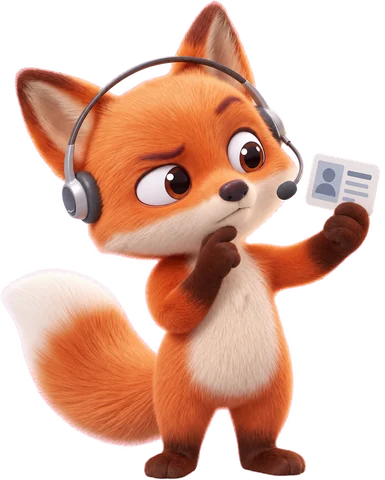
Why the order matters: DoorDash and law enforcement run compliance checks, sometimes with undercover customers. Handing alcohol over before the ID check can mean fines, criminal charges and deactivation. [1]
Which IDs count
Accept
- State ID card or driver's license
- U.S. military ID
- U.S. passport
- Foreign passport
Don't accept
- College or work ID
- Credit card
- A photo or printed copy of an ID
- An expired ID
From DoorDash's alcohol guidelines. [1]
When you can't hand it over
These are the situations where the alcohol doesn't get delivered. [1]
- No one's home, or no one 21+ can come to the door.
- The person is under 21. You can also refuse if they look underage, even with an ID that says otherwise.
- They appear intoxicated.
- No valid ID, or the ID doesn't match them.
- A restricted address: a K–12 school, a college campus (frat and sorority houses included), a prison or similar facility, a package locker or storage service, a business that sells alcohol, or a "dry" area where alcohol sales are banned.
What to do is the same every time: politely say you can't deliver the alcohol, then follow the "Can't complete delivery" steps in the app. You can still deliver the rest of the order. The app then guides you back to the store to return the alcohol. In Georgia, Louisiana, Washington, Virginia and New Jersey, that return is required by law. [1]
You still get paid. DoorDash says you're paid as if the order was delivered, plus additional pay for a successful return. [1] If a situation at the door turns tense, leave, get somewhere safe, and call SafeDash or the police. [1]
So are alcohol orders worth taking?
Judge them like any other offer: what does it pay for your time and your miles? The ID check adds a little time at the door. The bigger risk is a no-show: you're paid for the order and extra for the return, but the drive back to the store is time you could have spent on the next order.
An $11.50 offer from a liquor store comes in: 5.1 miles, due in 22 minutes, with the "Contains alcohol" banner. Multiply by 60 ÷ 22 and you get about $31 an hour. If that clears your bar, the ID check is a small price.
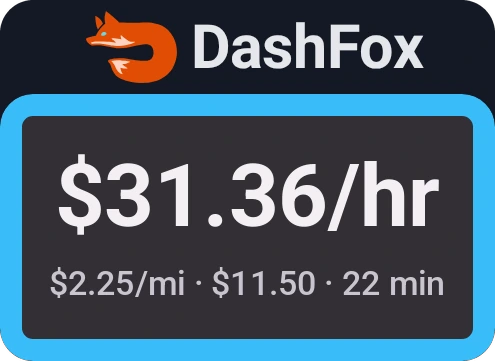
Want to do that math in your head? Our guide How to tell what a DoorDash offer pays per hour has a cheat sheet.
Quick questions
Do I have to deliver alcohol on DoorDash?
No. It's optional. Turn it off in your Dasher preferences where available, or decline an alcohol offer or cancel it before pickup. Opting out doesn't affect your other orders. [1]
What if the customer isn't home?
Don't leave it. Follow the "Customer unavailable" or "Can't complete delivery" steps in the app, which send you back to the store to return the alcohol. [1]
Can someone else accept the order?
Yes, if they're 21+ and their ID scans and checks out. The ID only has to match the person receiving it, not the name on the order. [1] [3]
Do I get paid if I have to return the alcohol?
Yes. DoorDash says you're paid as if the order was delivered, plus additional pay for a successful return. [1]
Does the ID scan save the customer's ID on my phone?
No. DoorDash says the scan happens inside the Dasher app and you can't see the ID information once it's done. [3]
Keep reading
 On the job
Dashing at night: a practical checklist
Plan the approach, clarify the address and know the safety-help options.
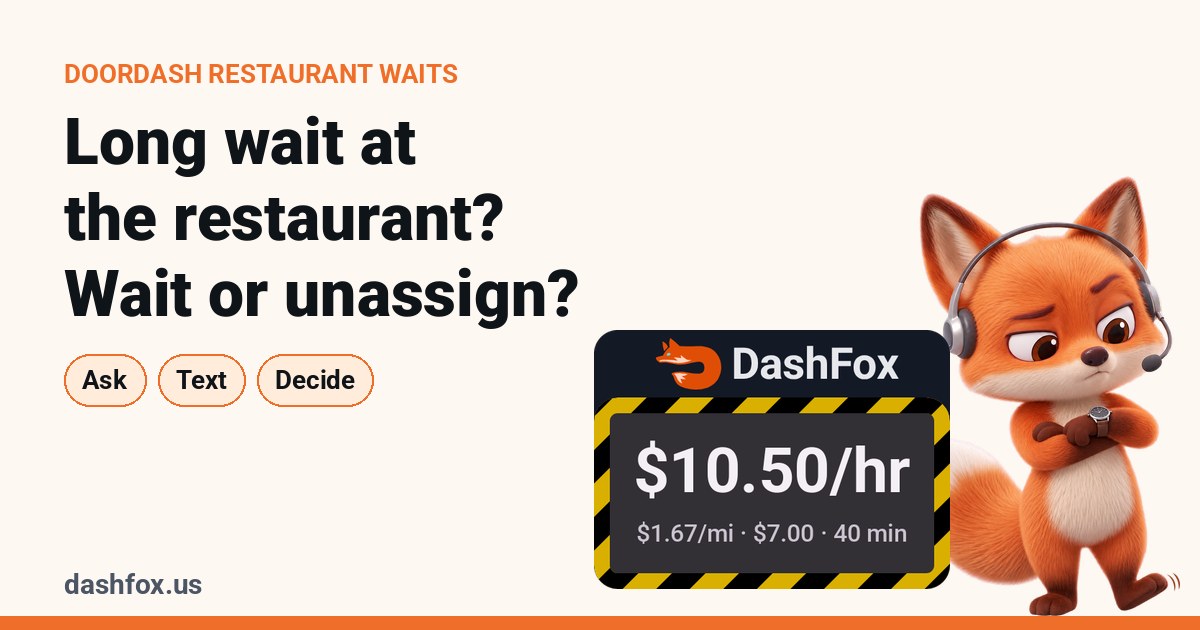 On the job
Long wait at the restaurant? When to wait and when to unassign
What a wait does to your hourly, and what unassigning really costs.
 Offer math
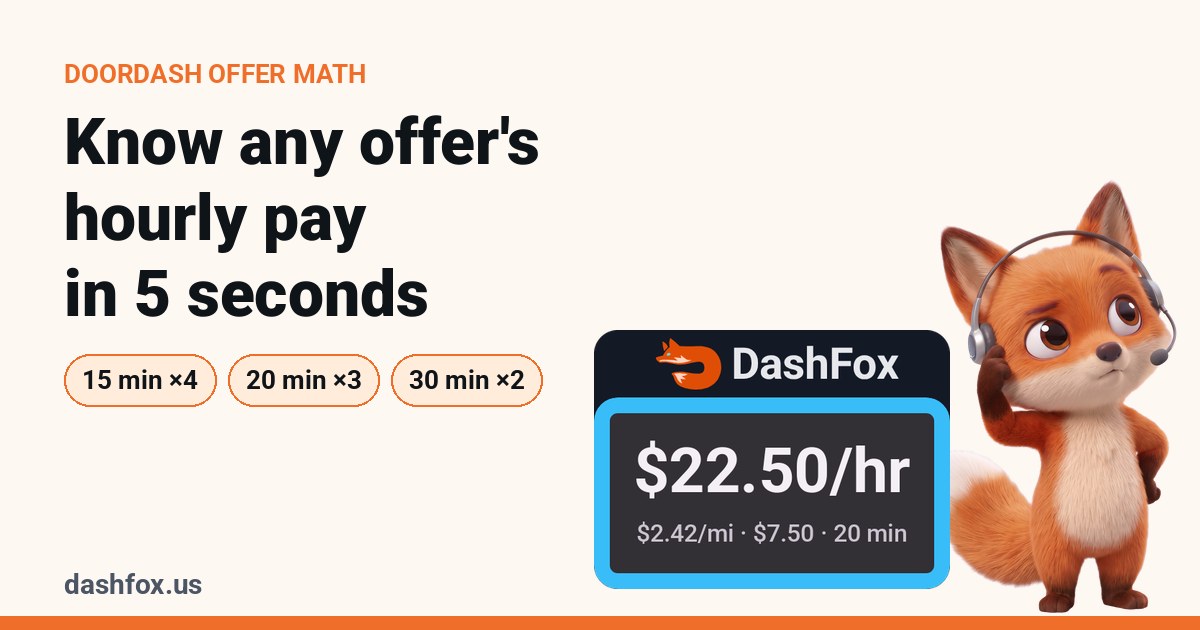
How to tell what a DoorDash offer pays per hour
Three quick mental-math tricks and a cheat sheet you can screenshot.
 Offer math
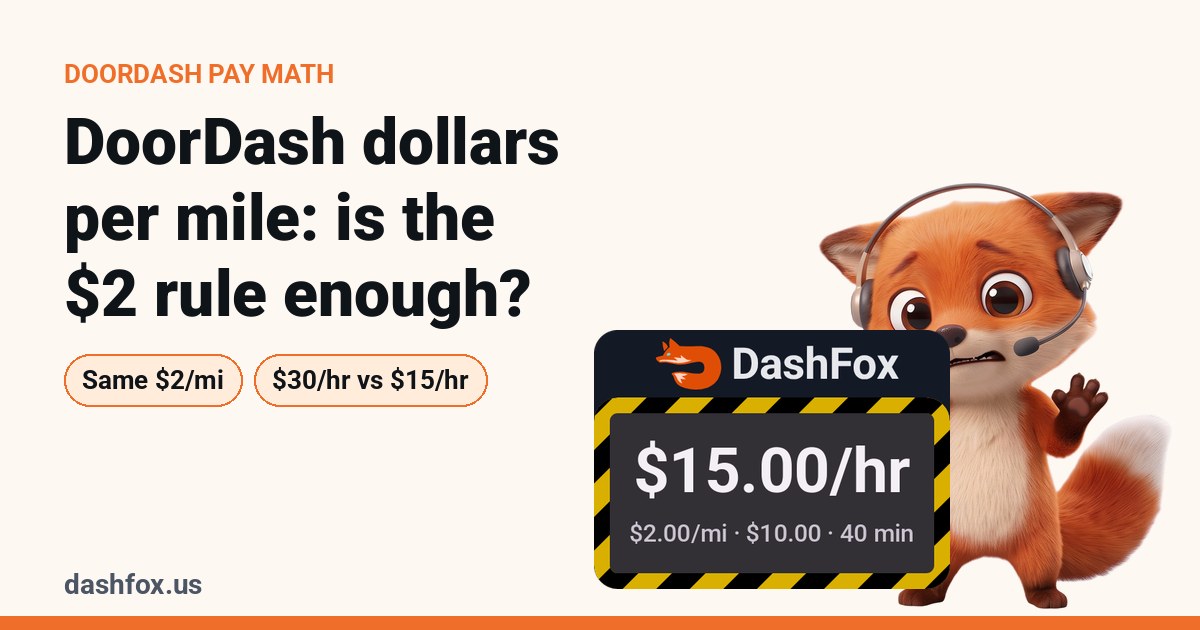
DoorDash dollars per mile: is the $2 rule enough?
Same $2 a mile, $30 an hour vs $15 an hour. Why your mileage rule needs a clock.
Sources
- DoorDash Help: Delivering Alcohol Guidelines. Opting out, requirements, storage in the car, door checks, signs of intoxication, restricted locations, acceptable IDs, returns and return pay, states that require returns, compliance checks. Accessed October 25, 2026.
- DoorDash Help: Alcohol Order App Navigation. The "Contains alcohol" banner, ID scan, Verify / Can't verify, signatures, Complete delivery. Accessed October 25, 2026.
- DoorDash Help (customers): How is my age verified for alcohol orders? Who can receive the order, and what the Dasher can see after a scan. Accessed October 25, 2026.
Rules vary by state and change over time; your Dasher app's prompts are the final word. The offer in this article is a made-up example, not a typical payout.