 DashFox
There's no minimum acceptance rate. DoorDash says you can accept or decline offers based on your own preferences. [1] [2] Don't confuse it with completion rate, which has a 90% minimum. Customer ratings and other account requirements still apply. [1]
What acceptance rate does decide is your Dasher Rewards level (Silver, Gold, Platinum) and its perks, like priority for high-paying orders. The thresholds depend on where you dash. [2]
How acceptance rate is counted
- It's your last 100 offers. Each new offer pushes the oldest one out. [1]
- A decline sticks around. It takes 100 more offers for a decline to drop off, which is why your number moves slowly. [1]
- Letting the timer run out counts as a decline. Ignoring an offer doesn't avoid the effect on your rate. [1]
That last bit explains why accepting an offer doesn't always raise your rate. In a full 100-offer window, accept a new offer that replaces an old acceptance and your percentage stays the same; replace an old decline and it rises one point. A new decline only lowers it when it replaces an acceptance. [1]
What it can't do
Acceptance rate
No minimum. A low number doesn't put your account at risk. [1]
Completion rate
90% minimum over your last 100 accepted orders. This is the one to protect. [1]
That's the key difference: declining affects acceptance rate, not completion rate; accepting and then unassigning can affect completion rate. Check the app's warning and any worry-free exception before unassigning. [1] Our restaurant-wait guide explains those options.
What it does decide: Dasher Rewards
Dasher Rewards puts Dashers into Silver, Gold or Platinum based on their ratings. Depending on your level and your area, the perks DoorDash lists include: [2]
- Priority access to high-paying orders, with more priority at higher levels. DoorDash defines "high-paying" by total pay, including base pay, Peak Pay and tips.
- Priority access to Dash Now when it's available. This isn't a promise that you can always start a dash.
- Advance scheduling, up to 6 days ahead.
- VIP Dasher Support.
- Large (catering) orders.
We've seen the priority perk in action ourselves: on a dash we screen-recorded in February 2026, an offer arrived with the note "Your Platinum status gave you priority for this offer."
The thresholds aren't the same everywhere. DoorDash says the requirements depend on your area and tells you to check the Ratings tab in your Dasher app. [2] New York City publishes its own numbers, for example: [3]
| Level | Acceptance | Completion | On-time |
|---|---|---|---|
| Silver | 65% | 95% | 75% |
| Gold | 85% | 95% | 80% |
| Platinum | 85% | 97% | 85% |
NYC Platinum also needs 200 deliveries in the last 30 days, and every level needs 50+ lifetime deliveries. [3] In some pilot areas, DoorDash instead scores six ratings together (an "Overall Dasher Rating"), so a weaker acceptance rate can be offset elsewhere. [4]
What keeping your rate up really costs
To hold a high acceptance rate, you take offers you'd otherwise skip. Each one has a price: the time it eats.
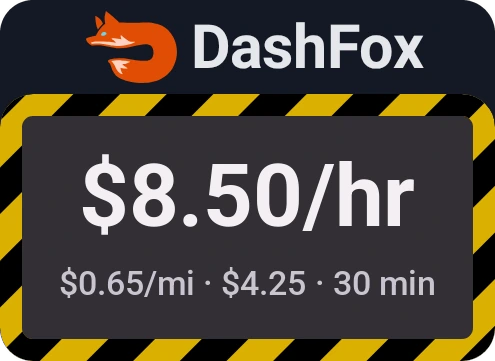
A $4.25 offer comes in: 6.5 miles, due in 30 minutes. You'd normally skip it. But you're sitting right at your level's line, so you take it to protect your rate.
That's half an hour spent at $8.50 an hour, plus 6.5 miles on your car. Whether it was worth it depends on what the level gets you in your market: if priority for high-paying orders makes the rest of your week noticeably better, maybe. If not, you paid for a badge.
So where should your acceptance rate be?
There's no right number, only a trade. A simple way to decide:
- Open the Ratings tab and find your area's thresholds and the perks at each level. [2]
- Ask which perks you'd actually use. Priority for high-paying orders and Dash Now matter most if your market is busy and competitive. Scheduling matters if you plan your week.
- Price the orders you'd have to take. Check what the "keep my rate" offers pay per hour and per mile. If they're far below what you normally take, the level is expensive.
- Protect completion rate either way. Decline bad offers up front instead of accepting and unassigning. [1]

Keep a shift log, not just a badge: record total pay, total dash time, miles and your Rewards level. Compare similar days, hours and zones over several weeks. Different demand and tips can change the result, so two different weeks don't prove that acceptance rate caused an earnings change.
Quick questions
Can I get deactivated for a low acceptance rate?
DoorDash lists no minimum acceptance rate. That doesn't remove its other account requirements: completion rate has a 90% minimum, customer rating has a 4.2 minimum, and delivery-quality rules still apply. [1]
Does letting an offer time out count as a decline?
Yes. A timed-out offer counts as a decline in the rolling calculation. [1]
How long does a decline affect my acceptance rate?
For your next 100 offers. Acceptance rate is calculated over your last 100, and each new offer pushes the oldest out. [1]
Keep reading
 Plan your dash
Multi-apping DoorDash and Uber Eats
Compare before accepting, protect existing commitments and keep cancellation rules separate.
 Offer math
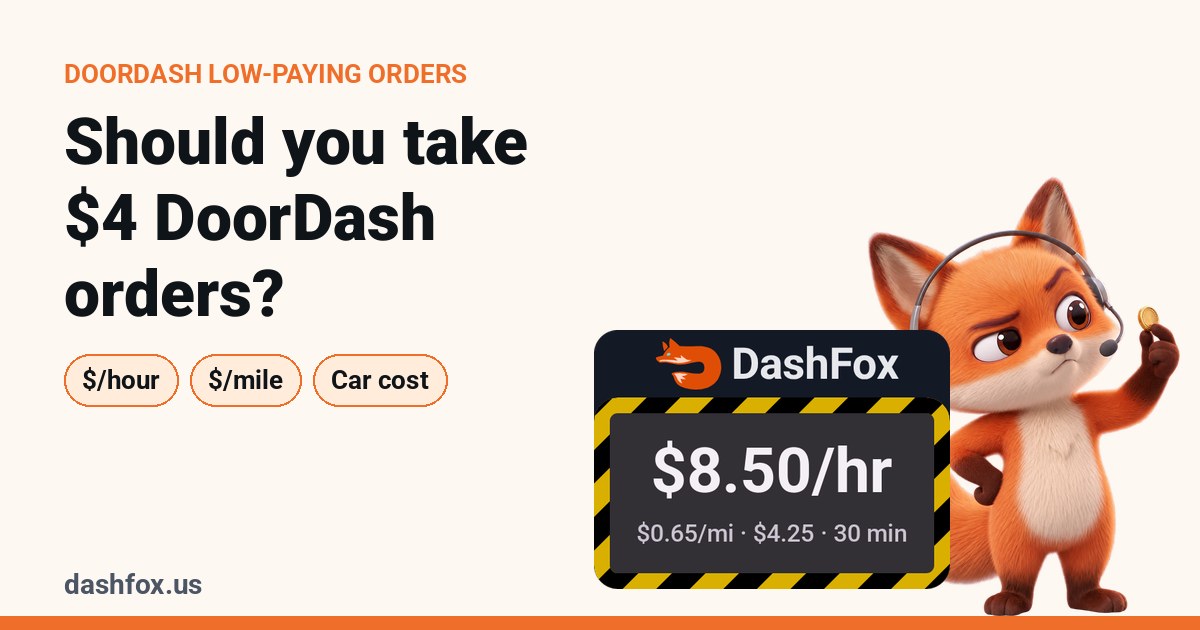
Should you take $4 DoorDash orders?
Check time, miles and costs before accepting an offer just to protect your percentage.
 From our own dash
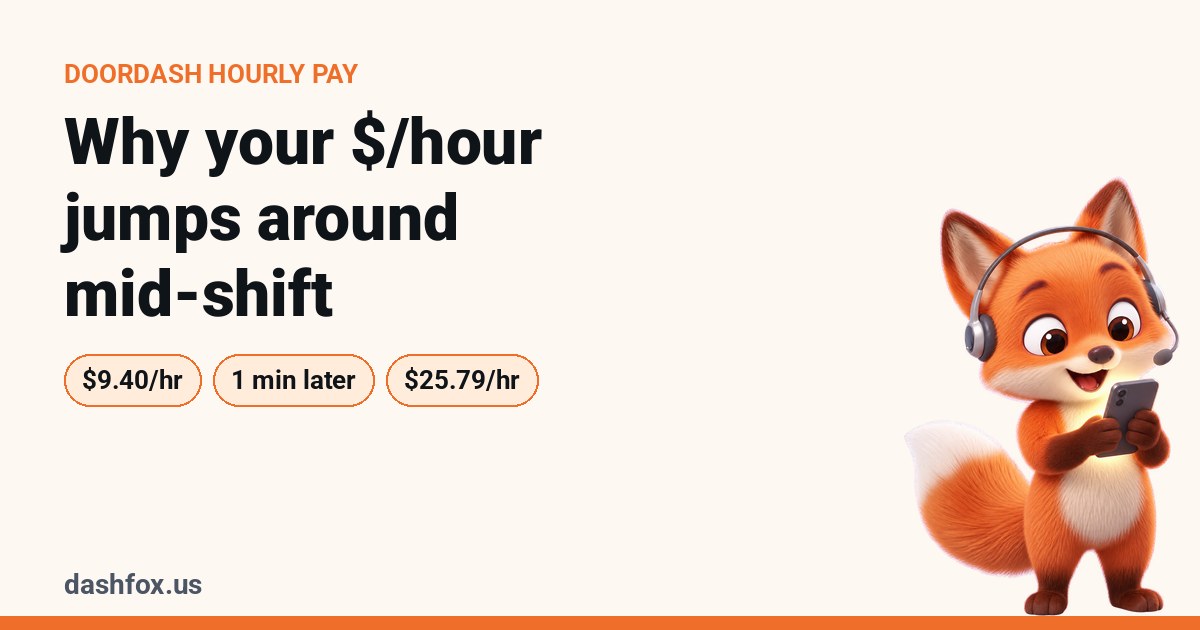
Why your DoorDash $/hour jumps around mid-shift
A payment jump isn't proof that declining offers caused better earnings.
 On the job
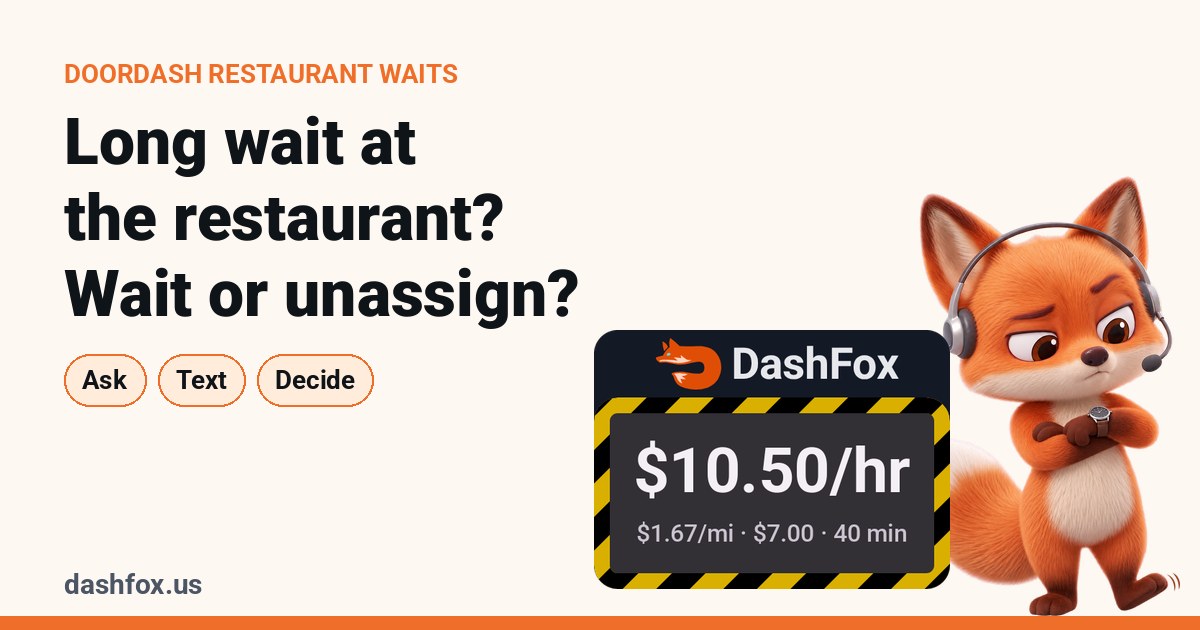
Long wait at the restaurant? When to wait and when to unassign
What a wait does to your hourly, and what unassigning really costs your completion rate.
 Offer math
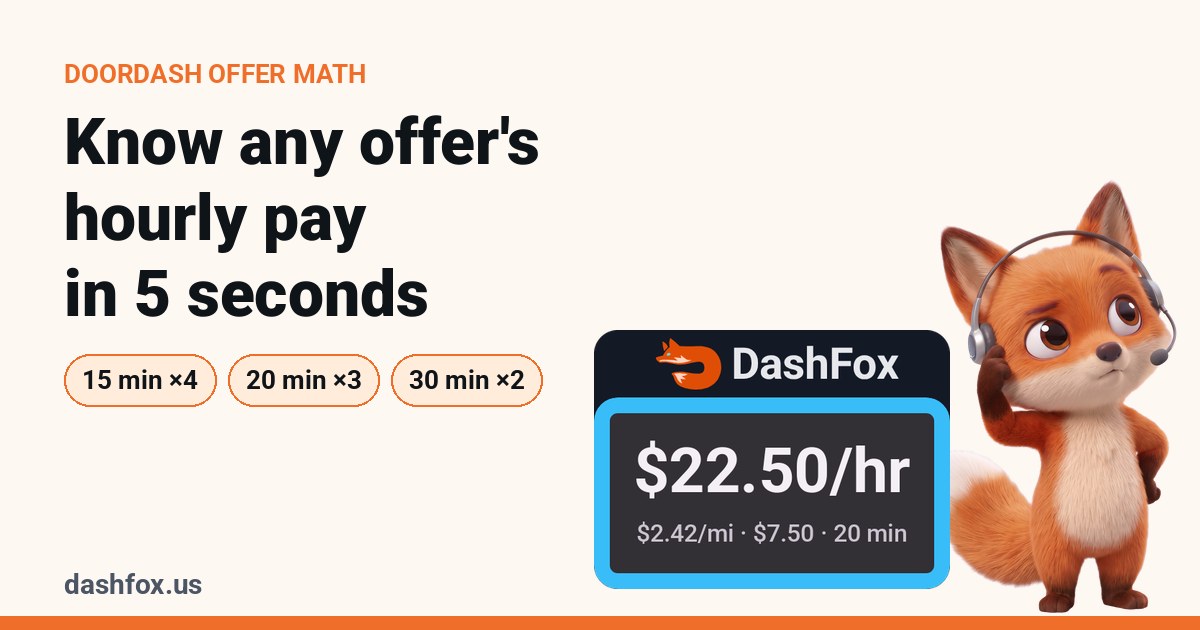
How to tell what a DoorDash offer pays per hour
Three quick mental-math tricks and a cheat sheet you can screenshot.
Sources
- DoorDash Help: Dasher Ratings Explained. Acceptance rate (last 100 offers, no minimum, timeouts count as declines), completion rate (90% minimum), customer rating and rolling ratings. Checked October 28, 2026.
- DoorDash Help: Dasher Rewards Program. Levels, perks, "high-paying orders", requirements by area, declining offers and consolidated programs. Checked October 28, 2026.
- DoorDash Help: New York City Dasher Rewards Program. NYC thresholds and perks. Checked October 28, 2026.
- DoorDash Help: Overall Dasher Rating Pilot. Six ratings combined into one score for participating Dashers; availability varies. Checked October 28, 2026.
The offer in this article is a made-up example. DoorDash changes its programs and thresholds; your Dasher app's Ratings tab is the final word.